

Updated: May 2025
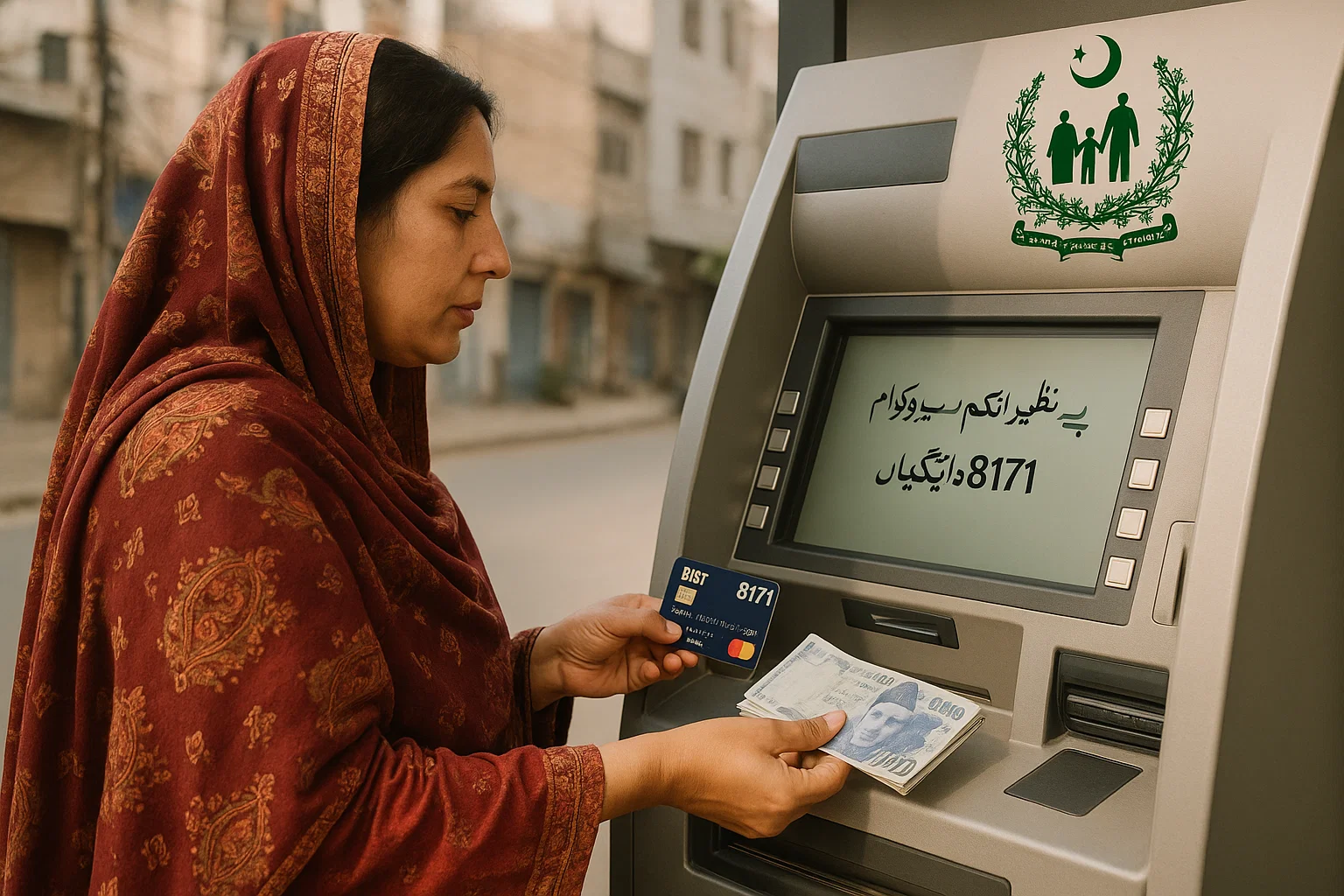
1. ATM Withdrawals Using BISP Debit Cards
With your BISP debit card, you can withdraw cash from ATMs across Pakistan:
- Visit any ATM of a BISP-partnered bank such as HBL or Bank Alfalah.
- Insert your card, select your language, and enter your PIN.
- Use “Balance Inquiry” to check funds or perform a payment status check.
- Proceed with “Cash Withdrawal” and collect your money.
2. Bank Counter Withdrawals
Prefer to avoid ATMs? You can withdraw your BISP 8171 amount from bank counters:
- Visit your nearest bank branch (listed under BISP Tehsil Offices if needed).
- Present your CNIC and complete a withdrawal slip.
- Receive your payment in cash from the counter after verification.
3. Authorized Retailer Shops
BISP payments are also available through verified retailers across Pakistan:
- Locate a nearby authorized shop from the BISP Tehsil Office list.
- Provide your CNIC for biometric and eligibility verification via the BISP 8171 portal.
- Complete fingerprint authentication and collect your cash.
- Always request a printed receipt as proof.
Important Notes Before Withdrawal
- Make sure your PMT score is within the qualified range. Learn more about PMT score classification here.
- If you have been asked for re-verification, complete it by the June 30, 2025 deadline.
- Review frequently asked questions to clear up any concerns before withdrawal.
Quick Tips for Safe Payment Withdrawal
- Always use official BISP-authorized ATMs, bank branches, or retailers.
- Double-check your details using the payment status checker.
- Never share your PIN or personal info with anyone.
- Stay updated through the latest BISP 8171 news and alerts.
Stay informed, stay secure. Visit bisp8171check.pk for full access to updates, registration, eligibility checks, and more regarding the BISP 8171 program.
[…] How to withdraw BISP 8171 payments […]
[…] Withdrawals from partner bank ATMs […]
[…] Follow our step-by-step withdrawal guide. […]